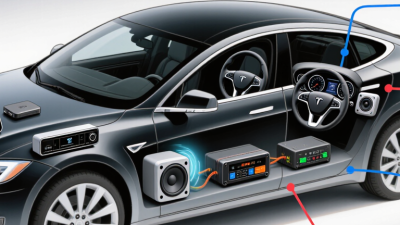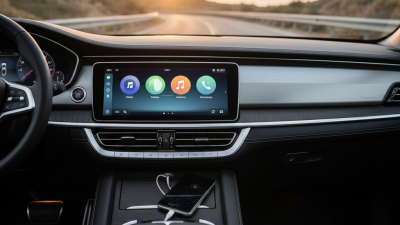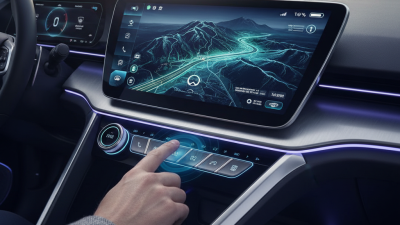
Choosing an apple car stereo is about more than adding a bright screen to the dashboard. The right unit should connect reliably, fit your vehicle, and remain easy to use while parked. Small details matter: button placement, microphone clarity, screen glare, and whether your phone reconnects after a quick stop. Some models offer wireless Apple CarPlay; others require a cable but cost less and need fewer setup steps.
Apple co-founder Steve Jobs once said, “Design is not just what it looks like and feels like. Design is how it works.” That principle offers a useful lens for comparing car stereos. A feature list may look impressive, but daily use reveals the difference. A responsive touchscreen, clear voice calls, and familiar controls can matter more than flashy extras. Fit varies by vehicle, so check the dashboard dimensions and wiring needs before buying. A popular model is not automatically the right fit.
This guide reviews ten options across different budgets and installation needs. It considers connection type, sound controls, display size, and practical compatibility. Expect trade-offs. A larger screen may obscure nearby controls; a budget unit may omit wireless connectivity. Product specifications can change, and vehicle compatibility should always be verified with the manufacturer or a qualified installer. A careful match beats a rushed upgrade.
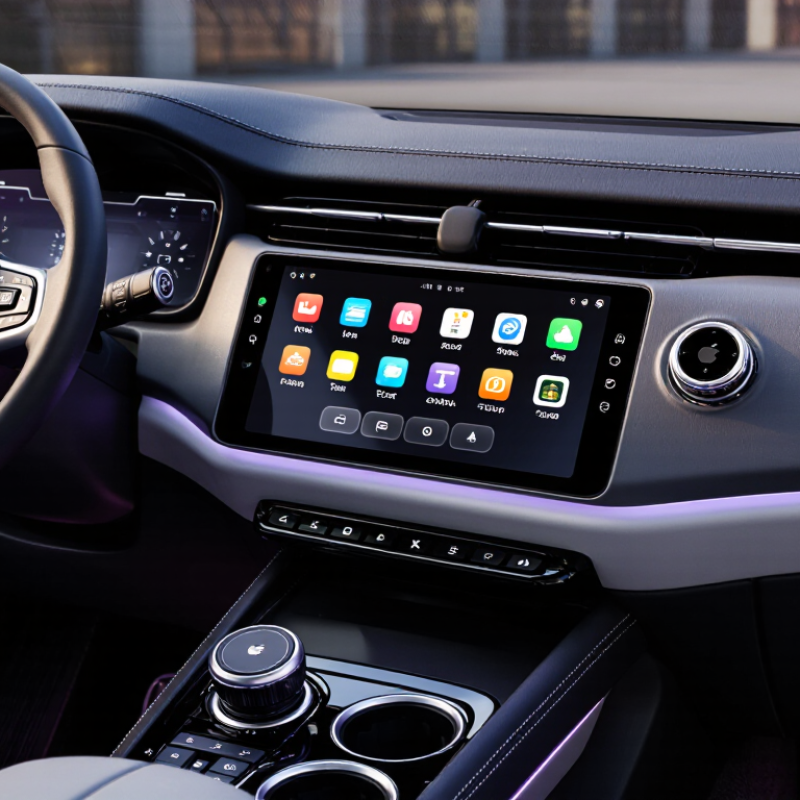
An in-car stereo with phone projection links a compatible phone to the dashboard display. Drivers can use supported navigation, calls, messages, and audio through the screen or voice controls. A published compatibility list includes more than 800 vehicle models. That figure refers to vehicle compatibility, not 800 stereo products or guaranteed support in every trim. Small distinction, but an important one.
For buyers, “Apple car stereo” may mean a factory-installed system or an aftermarket receiver supporting this phone interface. The experience depends on model year, wiring, screen size, and connection method. A map should appear promptly, and music controls should stay readable in bright daylight. Compatibility lists can still be confusing. Check the exact vehicle listing and receiver specifications before buying; two trims from the same year may differ.
Tips: Confirm wired or wireless operation. Check that steering-wheel buttons and the factory camera will still work. Ask an installer to verify fitment. A minor trim mismatch can turn a simple upgrade into extra work.
When comparing ten in-dash systems, separate wired and wireless CarPlay support rather than treating them as interchangeable. Wired models connect through a USB cable, which can provide steady access while charging the phone. Wireless models pair without a cable, making short trips easier, but connection speed and reliability can vary by vehicle and phone. Check whether wireless setup needs an initial USB connection.
Small detail, big difference. A front-facing USB port is easier to reach than one tucked behind the screen. Also check how many phones the receiver remembers, whether calls reconnect automatically, and if steering-wheel controls remain usable. These details matter when you are backing out of a driveway or following navigation through unfamiliar streets.
A fair comparison should test the same tasks across all ten systems: pairing after startup, playing audio, making a call, and following a route. Note any delay, dropouts, or awkward menus. Screen size alone tells little about daily usability. Installation fit, microphone placement, and vehicle compatibility can change the experience considerably. Specifications may look clear on a product page; real dashboards are less predictable. I would not assume wireless is always better. Choose the connection that suits your routine, and verify compatibility before buying.
A car stereo screen should be easy to read at a glance, not impressive only in a showroom. Compare brightness, viewing angle, and glare under direct afternoon sunlight. A screen that responds slowly can make simple tasks feel frustrating. Physical buttons for volume and track changes are useful when the road is rough. Check that the display fits your dashboard without blocking vents or important controls. Small details matter.
Audio features deserve more than a quick look at advertised power. Check for adjustable equalization, fade and balance controls, and outputs for adding an amplifier or subwoofer later. A built-in time-alignment setting can help balance sound when speakers sit at different distances. Listen at moderate volume, where muddy vocals and harsh treble are easier to notice. Specifications help, but they cannot fully predict how a system will sound in your car.
Phone integration should suit your everyday routine. Confirm whether the unit supports wired or wireless connections, then test calls, navigation prompts, and music playback if possible. A reliable microphone matters; otherwise, callers may hear road noise instead of your voice. Check compatibility with your phone and vehicle before buying, including steering-wheel controls and any adapters required. I would not assume wireless connection is always better; a cable can be simpler and more dependable on a long drive.
Top 10 Apple Car Stereo Systems to Buy?
A promising stereo can still be the wrong choice if it does not fit your dashboard. Check your vehicle’s year, make, model, and trim before comparing features. Measure the opening, including its depth; a shallow cavity may not accommodate a full-size receiver. Measure twice. Also inspect nearby vents, buttons, and climate controls. A unit that blocks one can make everyday driving frustrating. Do not assume a familiar-looking dashboard means standard sizing.
S&P Global Mobility reported that the average age of U.S. light vehicles reached 12.6 years in 2024. Auto Care Association’s 2024 Factbook estimated U.S. auto care industry sales at $391 billion in 2023. These figures describe a broad, aging vehicle fleet—not stereo compatibility—so verify fitment for your exact car. Check whether installation needs a dash kit, wiring harness, antenna adapter, or interface for factory amplifiers and steering-wheel controls. If the vehicle has a backup camera, confirm whether the new system can retain it. Installation guides can miss trim-level differences; when details conflict, ask a qualified installer to inspect the connectors and mounting depth before you buy.
Choosing a car stereo is less about chasing the biggest screen and more about fitting your daily routine. S&P Global Mobility reported that the average U.S. light vehicle reached 12.6 years old in 2024. For older cars, check dashboard fit, wiring compatibility, and steering-wheel control support before comparing features. A basic receiver with reliable wired smartphone projection may suit short commutes and limited budgets. It is not glamorous. But it can be easier to install and less distracting than a crowded interface.
For frequent navigation or long drives, consider a larger display, clear voice control, and wireless phone connection. Set a firm budget that includes installation, adapters, and any needed dashboard parts; the advertised price rarely tells the whole story. NHTSA recorded 3,275 U.S. deaths involving distracted driving in 2023, a reminder to prioritize simple controls over extra apps. Test the screen from the driver’s seat, with daylight glare in mind. Small details matter. I would not assume a higher price means safer use; menu layout and setup make a real difference, and that part is easy to overlook.

| Sunday | CLOSED | |
| Monday | 9AM-12PM | 1PM-6PM |
| Tuesday | 9AM-12PM | 1PM-6PM |
| Wednesday | 9AM-12PM | 1PM-6PM |
| Thursday | CLOSED | |
| Friday | 9AM-12PM | 1PM-6PM |
| Saturday | 10AM-12PM | 1PM-6PM |
Please note that we are closed for lunch from 12PM-1PM daily.